Before lesson 1 · The environment
The mess nobody warns you about.
Programming isn't hard because of the code. It's hard because your computer isn't set up for it yet.
Two laptops


$ node -v
v24.18.0
$ git --version
git version 2.51.0


$ node -v
zsh: command not found: node
$ git --version
xcode-select: note: No developer tools were found, requesting install.
That gap is the environment
- The development environment is everything a computer needs before code can run: the terminal, Node, git, Python, package managers, the right versions, the right settings.
- A developer set theirs up over years, one error at a time. Then they forgot it was ever hard.
- So the tutorial says “just run
npm install”, and on your laptop it explodes. - It's not you. You're missing an environment, not a talent.
It really is this messy
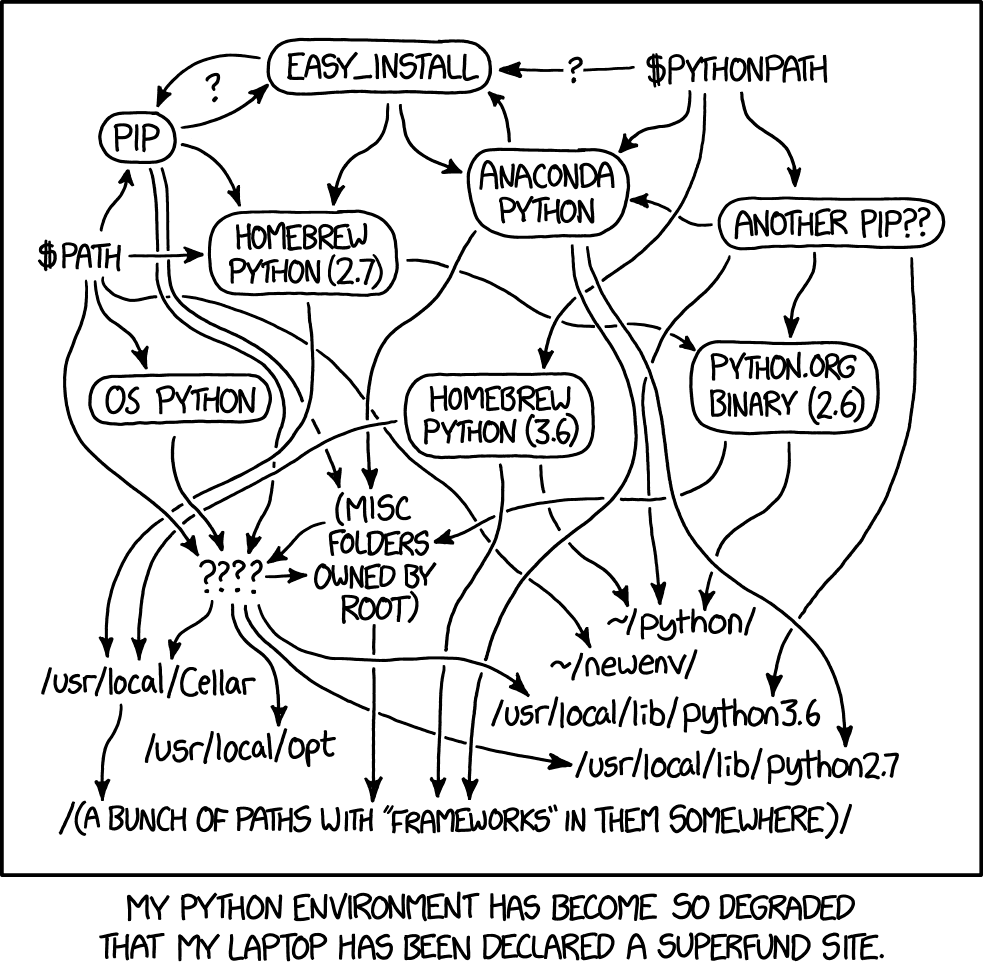
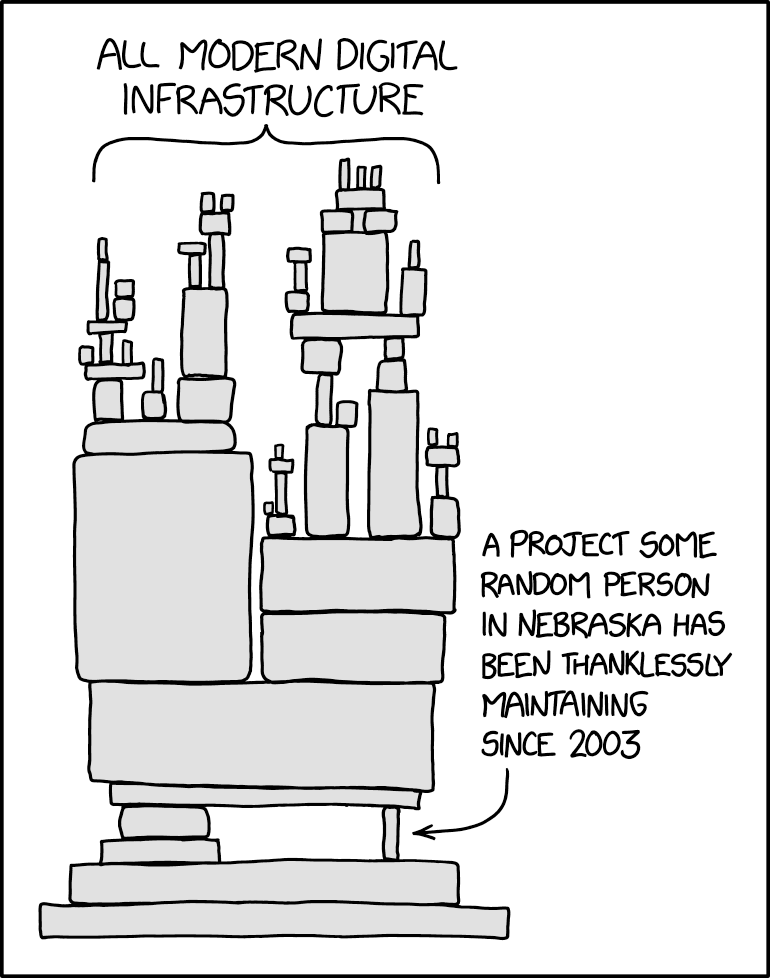
This is where 99% quit
- They expected programming to be pure: logic, ideas, typing code.
- Instead they got
command not found,permission denied, the wrong version of something, and a tutorial that skipped a step. - Nobody told them this part is normal. So they decided they weren't “technical” and stopped.
Get past it, and you're the 1%
- Today you're not alone with the error. Paste it into an AI agent. It knows what's missing, installs it, and tells you why.
- The wall that stopped almost everyone is now a speed bump.
- And it's still just files and programs in folders (the Preliminaries), which means you can understand every fix.
- Cross it once, and you can build things most people never will.
Your environment, one lesson at a time
- Preliminaries: files and folders, what every tool is made of.
- Lesson 1: the terminal, where every tool lives.
- Lesson 2: Node and npm, the engine and the installer.
- Lesson 3: an AI agent, your partner for every error after this.
- Lessons 4–6: the tools that put your work on the internet.
When something breaksRead the error, copy it, paste it to the agent. That's not cheating. That's the job.